
Pan Card
How to Apply for a PAN Card from USA: Required Documents & Step-by-Step ProcessHow to Apply for a PAN Card from USA: Required Documents & Step-by-Step Process
Written by Anil

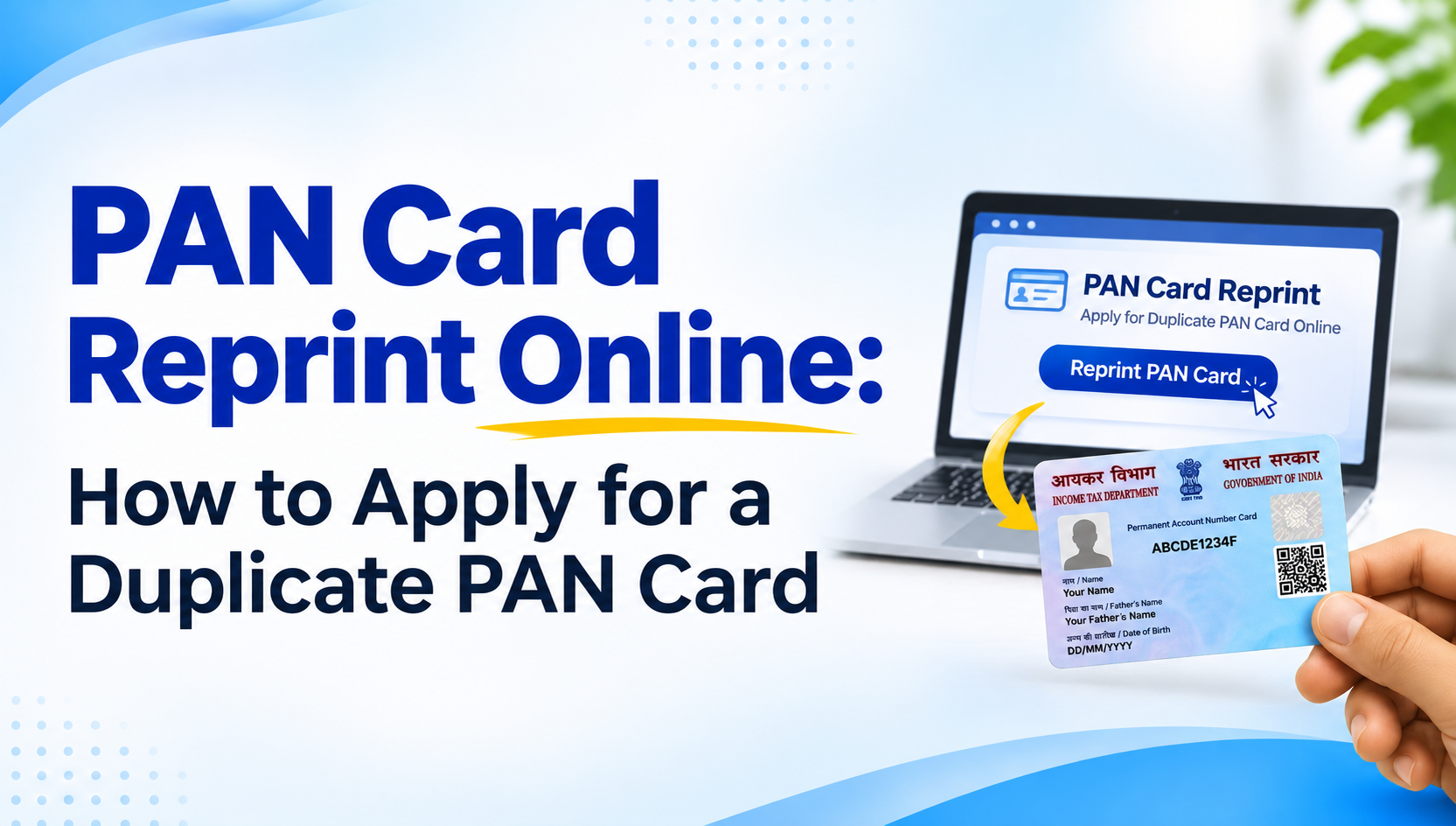
A PAN card is an important document for financial transactions, income tax filing, banking and other official purposes. But what if your PAN Card is lost, torn, damaged, or misplaced? In that case, you don’t need to apply for a new PAN or get a different PAN number, instead you simply have to request a PAN Card Reprint and receive another physical copy of your existing card. And even the more exciting thing is you can do it online through authorised PAN service portals and is relatively simple.
In this guide, we will explain who can apply, what details you need, how much it costs, how to track your request and how to download your e-PAN card.
A PAN Card Reprint is a request to print and deliver your existing PAN card again, with the same PAN number and the same details. "Duplicate PAN card" is simply the popular name for it. It is not a second PAN. You keep one PAN for life; only the physical card is reissued.
You can apply for PAN Card Reprint if:
You already have a valid PAN number.
Your PAN card has been lost, misplaced, stolen or damaged.
You need another physical copy of your existing PAN card.
Your existing PAN details are correct and do not require any changes.
Your PAN application was processed through the relevant service provider, such as Protean or UTIITSL, or you obtained your PAN through the eligible Instant e-PAN facility.
You may need a PAN Card reprint in the following situations:
PAN Card Lost or Stolen: When your PAN card is lost or stolen and you no longer have the physical copy.
PAN Card Damaged: When your card is torn, bent, or physically damaged and cannot be used properly.
PAN Details Unreadable: When your name, PAN number, photo, or other details are faded or unclear.
Old or Worn-Out Card: When your card has become too old or worn out due to regular use.
Need a Physical Copy: When you have an e-PAN but want a printed PAN card for everyday use.
When you apply for a PAN Card reprint details, you need to fill the following details. So, be prepared with the Information.
10-Digit PAN Number: To identify your tax record.
Aadhaar Number: Mandatory for individual applicants to complete OTP-based authentication.
Date of Birth / Incorporation: In DD/MM/YYYY format matching your PAN record.
Registered Mobile Number or Email ID: Active access to receive the verification OTP.
GSTIN (Optional): Applicable only for businesses or entities that wish to include it.
if you are applying through the regular PAN application route for reprinting or correcting your PAN details, you may need to keep the following documents ready.
|
Document Type |
Accepted Proof (For NRIs) |
|
Proof of Identity |
Valid Passport or other identity proof accepted under the applicable PAN application guidelines |
|
Proof of Address |
Overseas address proof, such as a foreign bank statement or utility bill, where accepted under the applicable guidelines |
|
Proof of Date of Birth |
Passport or birth certificate, as applicable to prove their DOB |
|
Photographs |
Recent passport-size photographs, if required for a physical/offline application |
|
Existing PAN Proof |
Copy of existing PAN card or PAN allotment letter, if available |
Not sure how to apply for a duplicate PAN card or facing difficulties with the online process? Get in touch with HelpOCI for guidance with your PAN card application and related queries.
Get Expert Assistance →Follow these simple steps to reprint a PAN Card online:
Step 1 – Visit the Official PAN Service Portal
Identify which agency processed your latest PAN application—Protean (formerly NSDL) or UTIITSL—and visit their official PAN services website. (If you obtained an Instant e-PAN from the Income Tax portal, use the Protean reprint portal.)
Step 2 – Select the PAN Card Reprint Option
On the portal homepage, navigate to the PAN services menu and click on "Reprint of PAN Card" (on Protean) or "Reprint PAN Card" (on UTIITSL).
Step 3 – Enter Your PAN and Required Details
Fill in your 10-digit PAN number, your 12-digit Aadhaar number (for individuals), and your Date of Birth or Incorporation. Tick the declaration checkbox agreeing to use your Aadhaar details for validation, enter the security captcha code, and click Submit.
Step 4 – Verify Your Information
The screen will display your masked communication address and contact details currently registered with the Income Tax Department. Review them carefully to ensure the delivery address is still accessible. Choose whether you want to receive your One-Time Password (OTP) via mobile number, email ID, or both, then enter the OTP to authenticate your request.
Step 5 – Complete the Payment
After OTP verification, you will be redirected to the payment gateway. Pay the applicable reprint fee online using your preferred digital payment method.
Step 6 – Submit Your Application
Once payment succeeds, the portal generates an acknowledgment receipt containing a 15-digit Acknowledgment Number. Download and save this receipt immediately, as you will need the number to track your dispatch status.
According to the official Protean and UTIITSL portals, the government-mandated charges (inclusive of GST) are identical across both agencies:
|
Delivery Location |
Official Reprint Fee (Inclusive of Taxes) |
|
Dispatch within India |
₹50.00 |
|
Dispatch outside India |
₹959.00 |
Track Your PAN Reprint Application
Visit the official Track PAN Status page on the Protean or UTIITSL portal (whichever you applied through).
Select "PAN - New / Change Request" as the application type.
Enter your 15-digit Acknowledgment Number (or PAN number and Date of Birth on UTIITSL) along with the captcha code.
Click Submit to view whether your card is under processing, printed, or handed over to India Post with a Speed Post consignment number.
What to Do If Your Application Is Delayed?
If your PAN reprint request is taking longer than expected, follow these steps:
Check the latest application status on the relevant portal.
Verify whether your payment was successful.
Check your registered email and mobile number for any communication from the service provider.
Confirm whether your communication address is correct in the available PAN records.
Contact the respective service provider's customer support if there is no progress or the card has not been delivered.
Keep your acknowledgement number and payment receipt ready when contacting customer support.
PAN Card Processing Time
Once your online payment and OTP verification are completed, the agency typically verifies and prints your card within 3 to 5 working days before handing it over to the postal courier.
Physical PAN Card Delivery Time
Based on official service timelines, total delivery of a reprinted physical PAN card within India generally takes 15 to 20 working days from the date of application. Deliveries to remote pin codes or international addresses may take slightly longer depending on postal transit times.
If you need your PAN card urgently for bank KYC or tax filing before the physical card arrives, you can download a legally valid digital copy (e-PAN) online:
Open the "Download e-PAN" page on the Protean or UTIITSL portal.
Enter your 10-digit PAN number, Aadhaar number, and Date of Birth.
Verify your identity using the OTP sent to your registered mobile number or email ID.
Pay the nominal digital fee if applicable:
Within 30 days of PAN allotment or latest update: Free (up to 3 downloads on Protean).
After 30 days: ₹8.26 (inclusive of GST).
Download the password-protected PDF file. Your Date of Birth in DDMMYYYY format serves as the password to open the file.
Your PAN Card Reprint request may be rejected or put on hold due to incorrect information or verification issues. Some common reasons include:
Incorrect PAN Details: Entering an incorrect PAN number or date of birth.
Details Not Matching PAN Records: The information provided does not match the existing PAN database.
Failed OTP Verification: Unable to complete mobile number, email or Aadhaar-based verification.
Multiple PAN Records: Duplicate or inconsistent PAN records creating verification issues.
Incorrect Application Route: Applying through the wrong service provider or selecting the wrong application option.
Payment Issues: Payment failure or an unsuccessful transaction during submission.
Incomplete Application: Missing information or failure to complete the required verification steps.
Tip: Before submitting your request, double-check your PAN details, complete all verification steps and save your payment confirmation to avoid unnecessary delays or rejection.
Getting a duplicate copy of your PAN card online takes just a few minutes. By entering your PAN, Aadhaar, and date of birth on the official portal and paying the nominal ₹50 fee, you can have a fresh physical card delivered straight to your registered address within 15 to 20 working days. Always make sure to apply strictly through the official Protean or UTIITSL websites—or work with a trusted documentation expert if you need guided support—and double-check that your registered communication address and mobile number are active before submitting your payment.
If you want expert guidance, feel free to get in touch with our expert team.
Note: This guide is for information purposes only. HelpOCI or the author will not be responsible for any direct or indirect loss incurred by the reader for taking any decision based on the information or the contents. It is advisable to consult a qualified professional for guidance based on your exact situation.
Anil is an NRI documentation and immigration specialist at HelpOCI, a trusted platform dedicated to simplifying OCI, PAN, Visa, Passport, and NRI-related services for applicants worldwide. With extensive expertise in Indian consular services, overseas documentation, OCI applications, PAN card services, visa assistance, passport renewals, and NRI compliance, Anil is committed to making complex government procedures easier to understand and navigate. By combining in-depth research with official government guidelines, Anil creates practical, accurate, and easy-to-follow resources that help applicants complete their documentation confidently and efficiently See Full Bio
Get reliable support for every step, whether it's form filling or final submission.




Want to read more? Explore Blogs
Comments