

OCI Miscellaneous
How to Change Name on OCI Card in USA (2026 Guide)How to Change Name on OCI Card in USA (2026 Guide)
Written by Anil

Many people get a new British passport and then face a common concern—what happens to their Overseas Citizen of India (OCI) status? Since the old passport number is linked to the OCI card, this often creates confusion, especially when travel to India is planned. From our experience, most applicants look for this information either before renewing their British passport or immediately after receiving a new one. The biggest worry is whether outdated passport details in the OCI card can cause issues at immigration. In this guide, we explain how to update new British passport details in OCI via VFS UK in a clear, step-by-step manner. You’ll learn who needs to update their OCI, required documents, application process, fees, processing time, and common mistakes to avoid.
Read Also:- How Long US Citizen Can Stay in India with OCI – Stay Rules
Yes, you need to update your OCI Card after you get a new British Passport in the UK. The Indian government expects your OCI details to match your current passport. So you need to update your OCI Card as well after getting a new British Passport.
This update should be made within 90 days of your new passport being issued to avoid any penalties or late-update charges. You don’t need to apply for a new OCI Card because your passport has been renewed.
What if you don’t update?
Keeping your OCI updated ensures smooth travel and avoids unnecessary complications. If you travel with outdated details, you may face issues at:
Airline boarding
Immigration checks in India
If you need help updating your OCI details or navigating the OCI miscellaneous services process, HelpOCI can guide you through the process and help make your application simpler and hassle-free.
Need to update your passport details, correct personal information, or make changes to your OCI record? Our experts can guide you through the OCI Miscellaneous Services application process and document requirements.
Get OCI Miscellaneous Services →OCI passport details should be updated if you fall into any of these categories:
Adults: OCI cardholders who have renewed or received a new British passport.
Children under 20: OCI cardholders who receive a new passport, as passport details generally need to be updated each time a new passport is issued.
Applicants with changed passport details: Anyone whose passport has been reissued and whose details need to be updated in their OCI records.
The applicable update requirements may vary depending on your age and circumstances.
|
Age Group |
Update Requirements |
|
Below 20 years |
Update OCI details every time you receive a new passport. |
|
20–50 years |
Updating OCI details is not mandatory in every case but is strongly recommended. |
|
Above 50 years |
A one-time OCI update is required after receiving a new passport. |
Before starting your application, keep these documents ready:
Current British Passport (original + copy)
Old British Passport (original + copy)
OCI Card/Booklet (original + copy)
Proof of Address (last 3 months utility bill/bank statement)
Passport-size Photos (51mm x 51mm, white background)
OCI Miscellaneous Application Form (printed)
Declaration Form
Self-attested photocopies
Follow these simple steps to update your passport details.
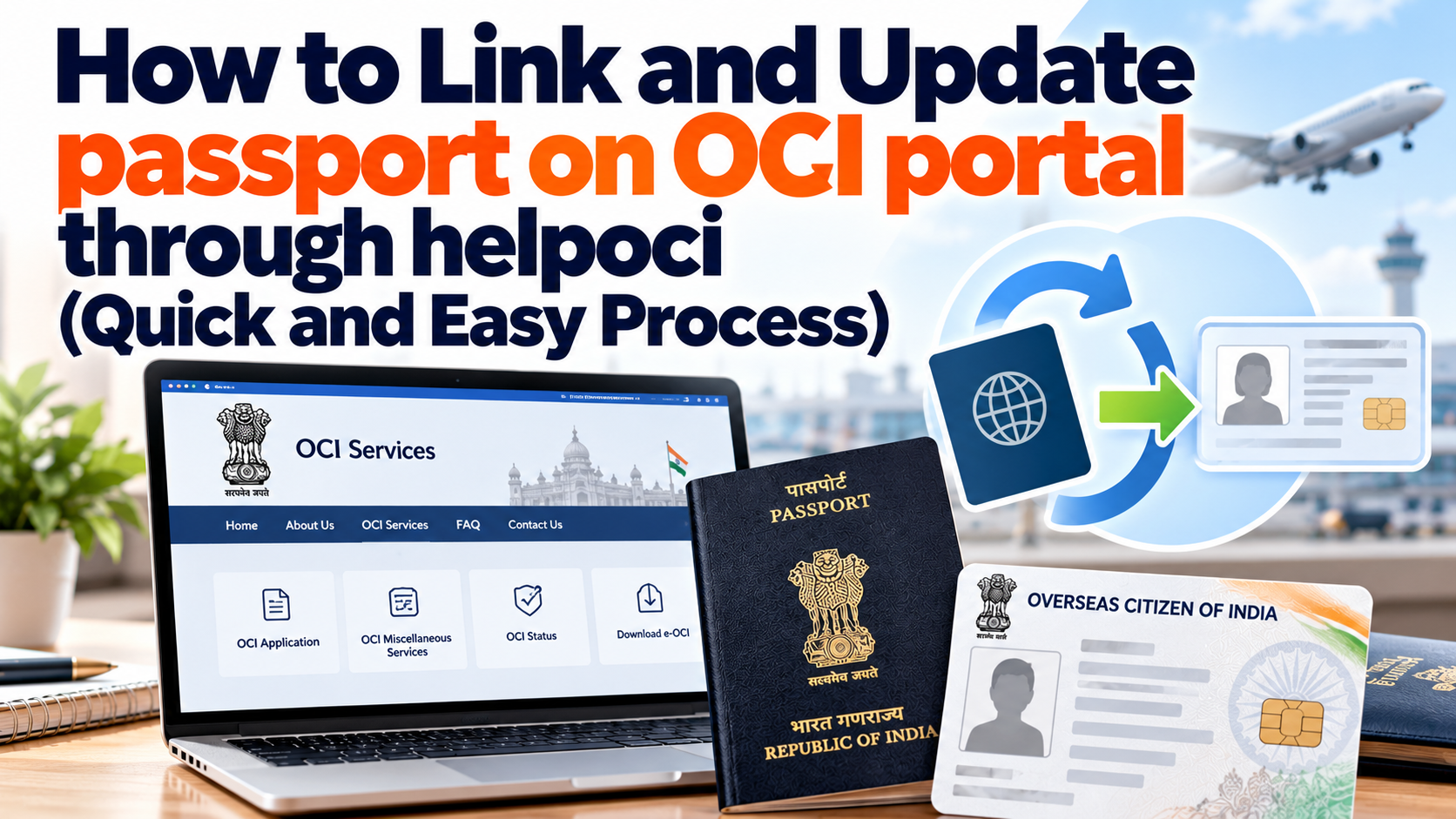
Go to the OCI Services Portal and sign in using the email address linked to your OCI record.
After logging in, select Online Registration → OCI Miscellaneous Services. This is the section used to update passport details linked to an existing OCI. You must carefully choose the service type as per your needs and requirements.
Select the relevant service, usually Passport Particulars Updation.
Enter your existing OCI details and the passport information linked to your OCI record.
Add your new British passport details carefully and check that all information is correct before proceeding.
Upload a clear copy of your new British passport, your existing OCI card and any other documents requested on the portal. Add your photograph and signature in the specified format, and make sure all files are clear and meet the upload requirements before proceeding.
Once every detail is filled and all documents are uploaded carefully, review everything once again to avoid any scope of error and submit your application. Once the application is submitted, you get an “Application Reference number” —save it somewhere because you’ll need it to check the status of your OCI application later.
Follow the instructions displayed on the OCI portal to confirm whether any payment or VFS appointment is required for your application. Requirements may vary depending on your circumstances, so check the latest guidance on the VFS Global UK website .
For eg,
If you applied within 90 days of your passport being issued —VFS appointment or payment not required.
But if you applied after 90 days —you may be asked to pay a late fee or penalties.
You can check your application status through the OCI Status Enquiry Portal. Once your application is approved, download your updated e-OCI and keep a copy for your records.
If documents are correct, the process is smooth.
Need assistance with passport updates, personal detail corrections, or other OCI miscellaneous services? Connect with our team for guidance on your application and required documents.
Let's Connect →|
Service Type / Fee Component |
Fresh OCI Card (GBP) |
OCI Miscellaneous / Passport Update (GBP) |
|
Consular / Application Fee |
£215.00 (USD 275 equivalent) |
£25.00 |
|
ICWF (Welfare Fund) |
£2.00 |
£2.00 |
|
VFS Global Service Charge |
~£14.20 |
£7.50 |
|
Courier Charge (Optional) |
£15.00 |
£15.00 |
|
Total Estimated Cost (Excl. Courier) |
£231.20 |
£34.50 |
|
Total Estimated Cost (Incl. Courier) |
£246.20 |
£49.50 |
The processing time for an OCI Passport Update (Miscellaneous Services) depends on whether you are doing a Self-Upload Gratis Update (done within 3 months of getting a new passport) or a Paid Re-issuance / Late Update through service partners like VFS/BLS.
1. Gratis Online Passport Update (Self-Upload)
Processing Time: 1 to 4 Weeks
Procedure: Done directly on the official Indian Government portal (ociservices.gov.in).
2. Re-issuance / Paid Passport Update (Via VFS / BLS)
Processing Time: 4 to 8 Weeks (Can extend to 10–12 weeks in peak travel seasons)
Procedure: Applicable if you missed the 3-month window, require physical re-issuance of the OCI booklet, or require consular processing fees ($25 + service charges).
The High Commission of India, London issued a notice on 14 October 2026 confirming that OCI cardholders can travel to and from India while their passport-detail update application is being processed, from the date of submission until final acknowledgement.
Before travelling, check the latest official travel guidance and carry the relevant travel documents, including your current British passport and existing OCI documentation. Also confirm any applicable airline requirements.
Failing to update your OCI details on the Miscellaneous Portal within 3 months of getting a new passport can lead to complications.
Many applicants leave fields blank or enter incorrect details. Even small mistakes can lead to rejection or delays, forcing you to refill and resubmit the entire OCI application again.
Submitting photos that don’t meet 51mm x 51mm size or white background rules can cause rejection. Always follow VFS photo guidelines strictly to avoid unnecessary application delays.
Forgetting to sign the application form or declaration is a common mistake. Unsigned forms are considered incomplete and will not be accepted during VFS submission or processing stages.
All photocopies must be self-attested with your signature. Without this, documents are treated as invalid, and your application may be rejected or returned for correction.
Submitting outdated address proof older than three months is not accepted. Ensure your documents are recent, valid, and clearly show your current UK residential address.
VFS requires original documents for verification. If you don’t bring them, your application won’t be accepted, even if all photocopies and forms are correctly prepared.
You can track your application via two ways:
Visit the VFS Global Tracker: Go to the official VFS Global tracking page for your country of residence (e.g., VFS UK, VFS USA, or VFS Australia tracker).
Enter Tracking Details: Provide your Reference Number / Tracking ID (provided on your receipt/acknowledgment when you submitted at the VFS centre) and your Date of Birth.
Submit and View: Complete the captcha security check and click Submit to view the current courier and processing status of your passport/document.
Visit the Official Website: Go to the official Indian Government OCI portal at ociservices.gov.in.
Find the Status Section: Look for the "Status Enquiry" or "OCI Status" option on the homepage.
Enter Your Details: Type in your OCI Registration / File Number and your new Passport Number, complete the captcha, and click Submit/Search.
Updating your new British passport details in OCI is generally a straightforward online process. Keep your documents ready, submit your application within 90 days, and save your reference number for tracking. If your application is late, check the latest VFS UK instructions before proceeding. Always use official government websites for the most accurate information.
Note: This guide is for information purposes only. HelpOCI or the author will not be responsible for any direct or indirect loss incurred by the reader for taking any decision based on the information or the contents. It is advisable to consult a qualified professional for guidance based on your exact situation.
Anil is an NRI documentation and immigration specialist at HelpOCI, a trusted platform dedicated to simplifying OCI, PAN, Visa, Passport, and NRI-related services for applicants worldwide. With extensive expertise in Indian consular services, overseas documentation, OCI applications, PAN card services, visa assistance, passport renewals, and NRI compliance, Anil is committed to making complex government procedures easier to understand and navigate. By combining in-depth research with official government guidelines, Anil creates practical, accurate, and easy-to-follow resources that help applicants complete their documentation confidently and efficiently See Full Bio
Get reliable support for every step, whether it's form filling or final submission.




Want to read more? Explore Blogs
Comments