
E-oci-card
Renunciation of OCI Card: Process, Documents, Fees & How to Surrender Your OCI Status (2026 Guide)Renunciation of OCI Card: Process, Documents, Fees & How to Surrender Your OCI Status (2026 Guide)
Written by Anil

The process to apply for an e-oci depends on whether you already have an OCI Card, or are applying for it for the first time. If you have already held an OCI Card, you can directly generate & download its electronic version without paying any charges through its official OCI portal.
But if you’re applying for the first time, you are required to complete a separate registration process, submit supporting documents and follow the requirements for applicants in Australia. In this guide, you will learn how to get e-OCI in Australia, which documents you may need for a new OCI application, how the application process works, where to check the latest fees and how to avoid common mistakes.
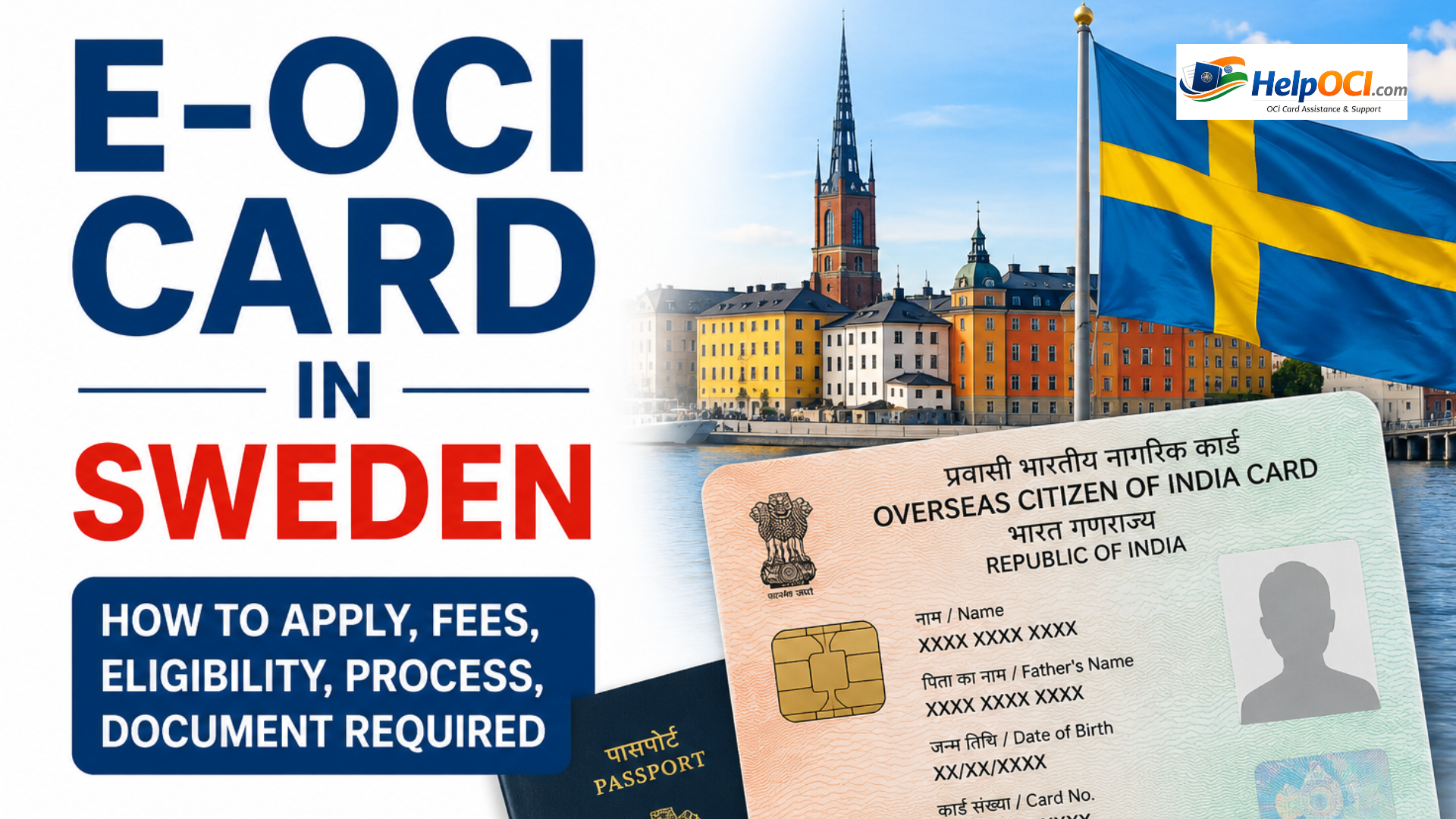
e-OCI is the digital version of the Overseas Citizen of India (OCI) card. It carries the same details as the physical booklet, but you download it from the official portal and keep it on your phone or laptop. India launched the e-OCI system in 2026, and new applicants now receive the digital card. e-OCI is nothing but just the electronic version of the OCI Card. It contains the details recorded in the government's OCI database and can be generated through the official OCI Services Portal. There are two situations to understand:
Check this guide: e-OCI card rules, fees and application process
Eligibility You can apply if you are an Australian resident or citizen who belongs one of these groups:
Who cannot apply Anyone who is or has ever been a citizen of Pakistan or Bangladesh is not eligible, along with nationals of any other country the Indian government specifically names.
Step 1: Open the Official OCI Portal
Step 2: Log In to Your Account:
Step 3: Select the e-OCI Option
Step 4: Generate Your e-OCI Card
Step 5: Download and Save the Card
HelpOCI provides personalised assistance with your OCI card application, including eligibility guidance, document preparation, application form filling, and submission requirements. Our team helps you understand each step so you can prepare your application with greater confidence.
Apply for OCI with HelpOCI →If you do not already hold an OCI card, you must complete the fresh OCI registration process first. The electronic card download facility is intended for people who already have an OCI record.
Step 1: Complete the Online OCI Application.
Step 2: Check the Australia-Specific Document Checklist.
Step 3: Book an Appointment.
Step 4: Attend Your Appointment in Person.
Step 5: Pay the Applicable Fees.
Step 6: Track Your OCI Application Here’s a complete guide on how to apply for a fresh OCI Card in Australia Apply for a fresh OCI card in Australia
For an existing OCI cardholder who only wants to download e-OCI, the official portal uses the existing OCI record; you do not need to submit a new application or upload a fresh document set merely to download the electronic card. But if you’re applying for a fresh or new OCI card, here’s a list of the documents you’ll need to keep ready.
| Document | Why it may be required |
| Online application form | Completed and submitted on the OCI portal |
| Valid Australian or other foreign passport | To establish your current nationality and identity |
| Proof of Indian origin | To establish eligibility through the applicable Indian-origin category |
| Birth certificate | To establish date of birth and parental details, where required |
| Parents' documents | To establish the applicant's Indian-origin or citizenship history, where applicable |
| Marriage certificate | For eligible spouse-based applications |
| Child's and parents' documents | For applications involving minors |
| Photograph and signature | To meet the official application specifications |
Photo and signature specifications
Extra documents for spouses and minors
Always check the latest VFS checklist for your centre before your appointment, since requirements can differ by case.
Fees are charged in Australian dollars. The figures below follow the schedule published by the Consulate General of India in Sydney.
| OCI Service Type | Consular Fee (AUD) | ICWF Fee (AUD) | VFS Service Fee (AUD) | Total Base Fee (AUD) |
| e-OCI Online Card Download | FREE | FREE | FREE | AUD 0.00 |
| Fresh / New OCI Application | AUD 414.00 | AUD 5.00 | AUD 4.60 | AUD 423.60 |
| Lost / Damaged OCI Card (Re-issue) | AUD 151.00 | AUD 5.00 | AUD 4.60 | AUD 160.60 |
| OCI Update (New Passport / Personal Detail Change) | AUD 38.00 | AUD 5.00 | AUD 4.60 | AUD 47.60 |
| Renunciation of OCI Card | AUD 25.00 | AUD 5.00 | AUD 4.60 | AUD 34.60 |
A few things to keep in mind:
The time it takes to get an e-OCI depends on whether you are downloading the digital PDF for an existing, approved OCI card or applying for a new OCI registration/update.
However, sometimes the application may face some delay due to many reasons. Here are the most common reason for delay
If you already have an OCI card, use this quick checklist:
Let HelpOCI assist you with preparing your OCI application, organising the required documents, and understanding the applicable submission process. Get personalised guidance for your application from start to finish. HelpOCI is a private consultancy. Government fees and consultancy charges are separate.
Get OCI Application Support →So, I hope you understand now that it’s not a complicated task to get e-oci in Australia. If you already have an existing OCI card then this is just a matter of a few minutes. You only have to download the electronic version from the official OCI portal after logging in to the portal using your registered number. And if you don’t have an existing OCI Card, you need to first apply for a fresh OCI card.
Before applying, make sure you meet the eligibility criteria, prepare the correct documents, book your VFS appointment, and check the latest application fees for OCI in Australia.
Remember that fresh OCI registration and e-OCI downloads are two different processes, so choose the one that matches your situation. For the latest requirements, fees and application instructions, always refer to the official OCI portal and VFS Australia to avoid unnecessary delays or additional costs.
If you need any help related to OCI application, or applying for a new OCI Card from anywhere, you may take expert help from us. Just fill your query in the given form and we’ll get in touch with you as soon as possible.
Note: This guide is for information purposes only. HelpOCI or the author will not be responsible for any direct or indirect loss incurred by the reader for taking any decision based on the information or the contents. It is advisable to consult a qualified professional for guidance based on your exact situation.
Anil is an NRI documentation and immigration specialist at HelpOCI, a trusted platform dedicated to simplifying OCI, PAN, Visa, Passport, and NRI-related services for applicants worldwide. With extensive expertise in Indian consular services, overseas documentation, OCI applications, PAN card services, visa assistance, passport renewals, and NRI compliance, Anil is committed to making complex government procedures easier to understand and navigate. By combining in-depth research with official government guidelines, Anil creates practical, accurate, and easy-to-follow resources that help applicants complete their documentation confidently and efficiently See Full Bio
Get reliable support for every step, whether it's form filling or final submission.




Want to read more? Explore Blogs
Comments